Want to play Free Fire smoothly on a low-end PC but no graphics card?
These top emulators deliver 90-200+ FPS even on 2GB or 4GB RAM with old processors. Enjoy lag-free gaming without crashes or issues.
Why Low-End PCs Need Special Emulators
Most Android emulators crash or give low FPS on PCs with low RAM and no GPU. Games like Free Fire need lightweight emulators that optimize CPU usage better. RAM allocation up to 4GB, custom DPI settings, and low resource usage unlock high FPS. All run smoothly on Windows 10/11.[youtube]
Emulator 1: BlueStacks 4 (Old Version 4.240.30.102)
Free Fire players’ ultimate favorite – BlueStacks 4 delivers insane FPS on low systems. This 64-bit version outperforms newer ones. Simple tweaks lock 90+ FPS easily.
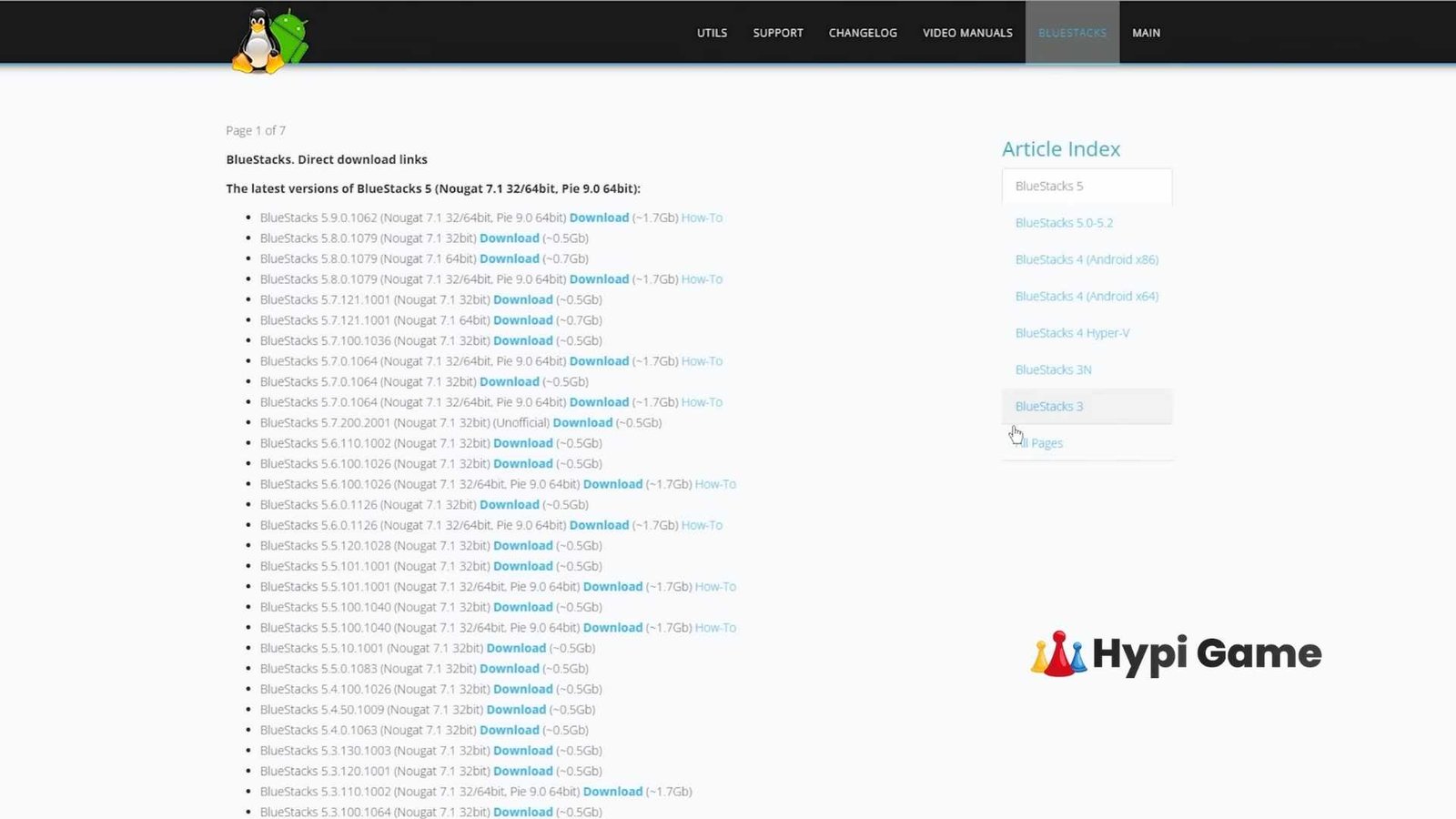
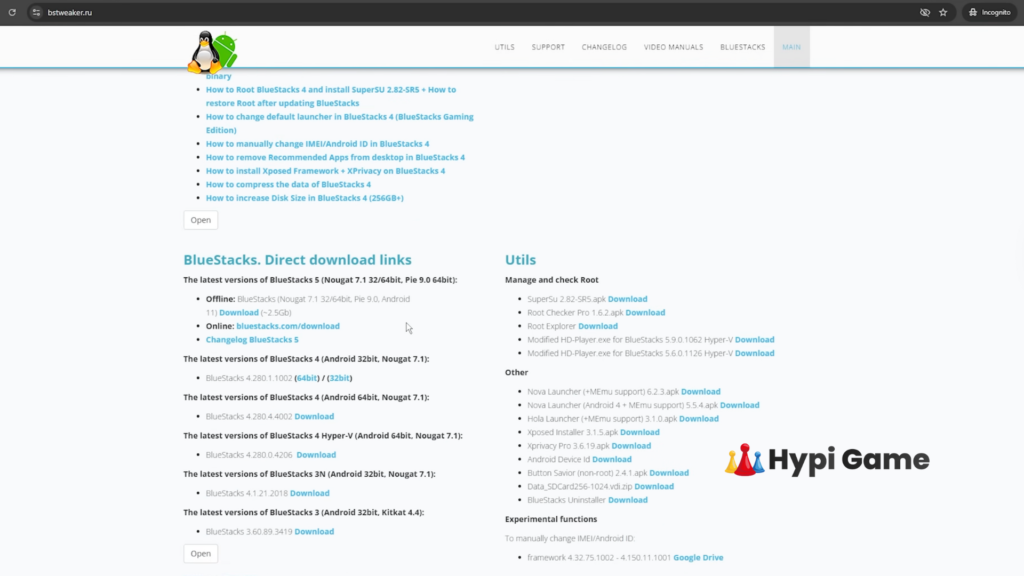
Search “BS-Twker” for archive sites to download. After install, set 4GB RAM, lock FPS at 90 (save & restart), manually adjust DPI. Gets 20-30 FPS more than BlueStacks 5 on 2-4GB RAM PCs.
Pros:
- 90-200+ FPS on low RAM
- YouTubers’ favorite interface
- Stable for long sessions
Cons:
- FPS unlock process slightly lengthy
- Less advanced customization
Emulator 2: MSI 4 or LDPlayer – Perfect Alternatives
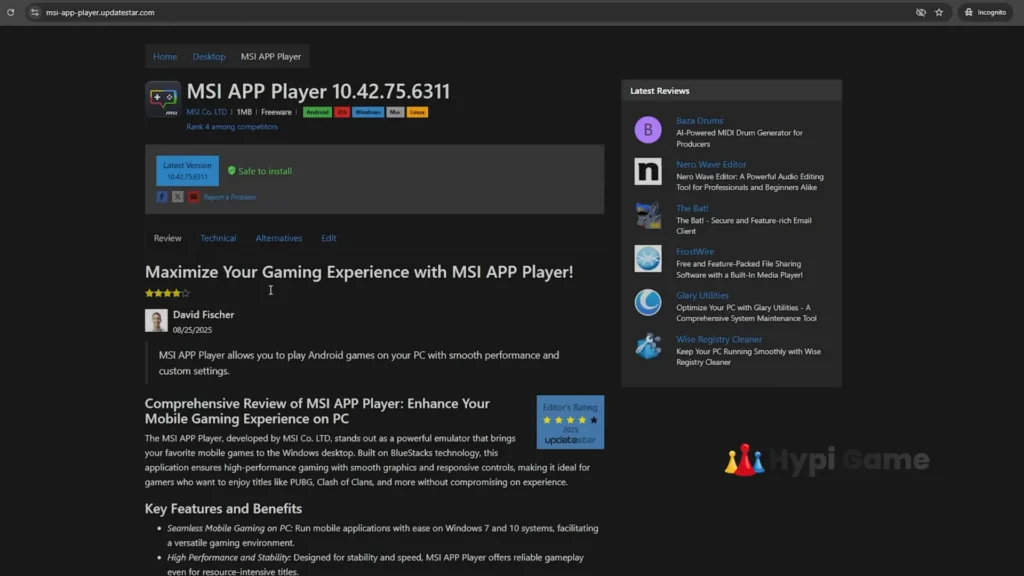
MSI 4 is identical to BlueStacks 4—same performance, just black theme instead of blue. Collaboration app with same download process. Zero difference in gameplay, settings, or FPS.
LDPlayer is best for ultra-low-end PCs, even lighter than BlueStacks. Updates include fast/high-smoother modes plus old versions (LDPlayer 9/4). Free Fire runs effortlessly.
Comparison Table
| Feature | BlueStacks 4/MSI 4 | LDPlayer |
|---|---|---|
| Low PC FPS | 90-200+ FPS | 90+ FPS |
| RAM Usage | Max 4GB | Super Lightweight |
| Customization | High (DPI tweaks) | Medium |
| Best For | Balanced gameplay | Ultra-low specs |
Emulator 3: BlueStacks 5 Latest (Our Top Recommendation)
BlueStacks 5 64-bit (Pie/Nougat version) is most reliable and feature-packed. Download latest from official or bs-twker sites. Zero ID bans or event issues. All old version bugs fixed.
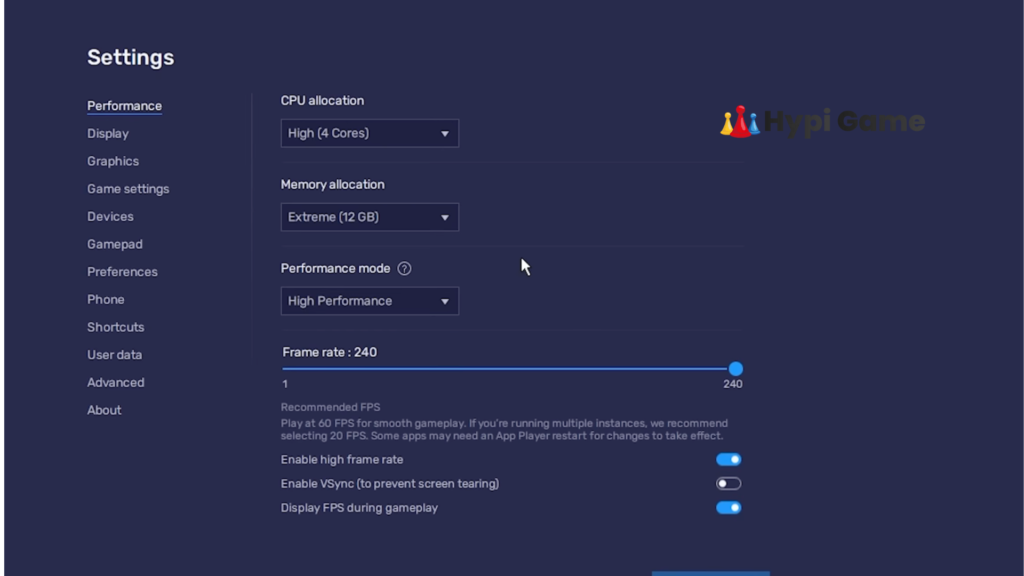
Direct 240 FPS boost without glitches. Install, enable high performance mode, tweak in-game settings. Millions using it 1.5-2 years crash-free. For even better, try ROK FF modified lightweight version (BS5 based)—adds 10-20 FPS on low PCs.
Quick Setup Steps:
- Download BS5 64-bit from bs-twker
- Open Multi-Instance Manager
- Allocate 4GB RAM, enable high FPS
- Launch Free Fire, adjust sensitivity
Best Tips & Settings for High FPS
Lock FPS at 90, save, restart emulator—this is the magic trick. High-end PCs easily hit 200+ FPS, low-end gets a massive boost. Never do registry edits—YouTube untrusted sources cause bans.
- Play with clean accounts only
- Avoid teaming with panel users
- Custom DPI makes headshots easy
- In-game: Keep high FPS mode ON
- Follow community best X/Y sensitivity settings
Training shows stable 200 FPS, battle royale completely lag-free.
ID Ban & Crash Myths – Know the Truth
ID bans don’t come from emulators, but wrong practices. Trusted BlueStacks/MSI/LDPlayer are 100% safe—creators play for years issue-free. Main causes:
- Tampering with game files
- Teaming with panel cheaters
- Bad registry folders from YouTube
- Modified untrusted emulators
Official downloads = ZERO risk. No need for paid sensitivity initially—core settings work perfectly.
PC Performance Optimization for Free Fire
Beyond emulators, do this:
- Keep Windows updated
- Use SSD for faster loading
- Cap RAM at 4GB
- Close background apps
If BS5 lags, switch to BS4. Even 2GB RAM can hit 90 FPS.
Performance Comparison Table
| PC Specs | Best Emulator | Expected FPS |
|---|---|---|
| 2GB RAM, Old CPU | LDPlayer/BS4 | 60-90 FPS |
| 4GB RAM, No GPU | BS5/MSI4 | 90-150 FPS |
| High-End PC | BS5 Latest | 200+ FPS |
Perfect No-Lag Free Fire PC Gaming Setup
Most users → BlueStacks 5 (light, featureful, ban-proof)
Ultra low-end → BS4 or LDPlayer
Safe download → Patient tweaking → Dominate lobbies
Thousands of gamers play daily without GPUs this way. Ready for high FPS Free Fire? Pick your emulator and install today!